
Business WiFi
Business WiFi installation in Tulsa and nearby
Coverage where people and devices actually are: shops, warehouses, offices, yards, and parking lots. We design the access point layout, run the cable to each one, and set up the network so staff, guests, and equipment stay separate.
The short answer
Business WiFi installation means designing where the access points go so coverage is reliable where people actually work, running the cable to each one, and setting up the network so staff, guests and devices stay separate. Phillips Communication Services, serving the Tulsa area, installs access points on labeled PoE cabling for offices, shops, warehouses and outdoor areas.
The number of access points depends on the floor plan, wall and shelving materials, the number of devices and what they do, not on square footage alone. PCS starts with a free site walk. Managed IT and help desk are handled by sister company TREK Connex.
Last reviewed October 2026.
What we install
- Access points placed from a walk of the space, not a guess from square footage
- Labeled Cat6 to every access point, powered over the cable (PoE)
- PoE switches, a clean rack or wall board, and patch panels
- Separate staff, guest, and device networks
- Outdoor access points for lots, yards, and work areas, with point-to-point wireless to far buildings
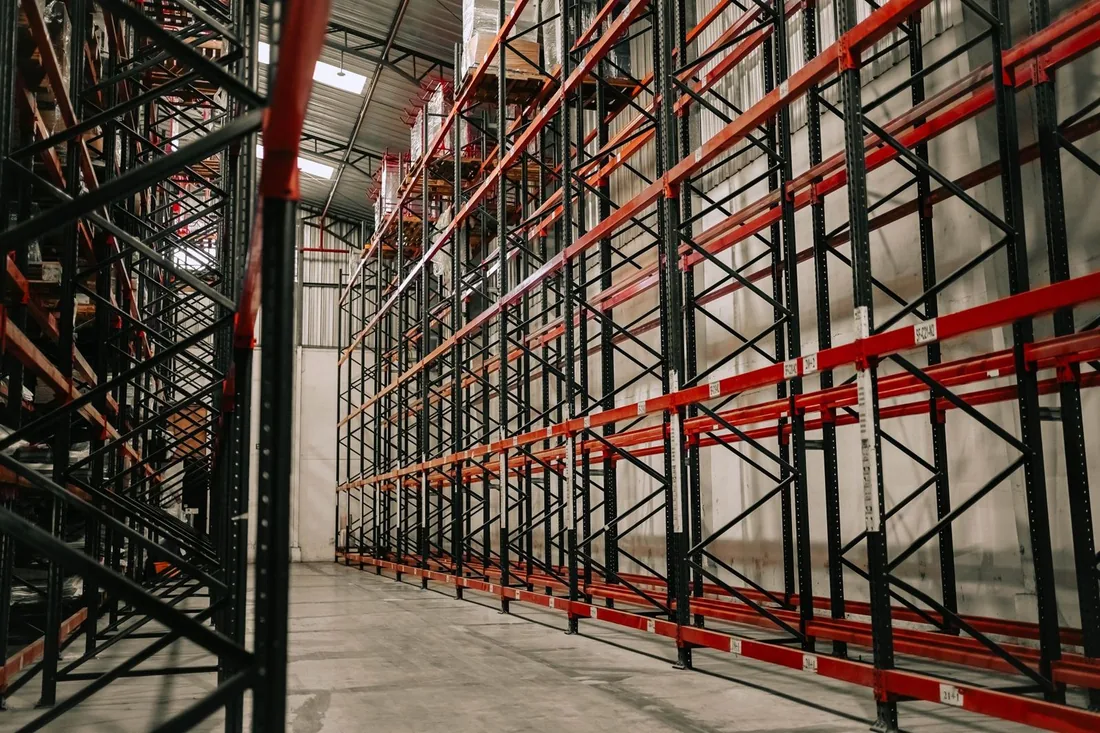
- WiFi for shops and warehouses with metal racking and long runs
- Coverage check and handoff documentation
- A second connection that takes over when the main one fails: Starlink internet backup
What good business WiFi depends on
WiFi is only as good as the cabling and switching behind it. An access point on a long, poor run, or a switch that cannot power it, is the usual cause of a signal bar that looks full and a connection that does not work.
That is why we install WiFi with the structured cabling behind it, and plan the closet so cameras, door access, phones, and office traffic run on one clean plant.
Where it fits
Shops and warehouses, offices and suites, RV parks and rental properties, farms and ranch headquarters, churches, and multi-building properties around Tulsa, Claremore, Owasso, Broken Arrow, Bartlesville, and Oologah.
We install the network and WiFi. Managed IT and help desk are handled by our sister company, TREK Connex.
Where WiFi gets hard
Metal buildings, steel racking, block walls, long thin buildings, and yards and lots are where one access point in the middle stops working. We plan more points on better cabling, and put the outdoor ones where people actually work.
Outbuildings, RV parks, and spread-out properties
A shop, barn, or park pad 300 feet from the office needs more than a stronger router. We link the buildings with point-to-point wireless and put access points at each one, so WiFi, cameras, and phones share one network. For the connection itself, see Starlink internet backup, which keeps the network online when the main provider goes down.
Questions we get
How many access points does a shop or warehouse need?
It depends on the floor plan, wall and shelving materials, ceiling height, how many devices connect and what they do, not on square footage alone. We walk the space, mark where people and devices actually are, and place the access points from that, then confirm coverage before we leave.
Why is my WiFi slow or dropping in parts of the building?
Usually the access points are in the wrong places, too far apart, or fed by weak cabling or switching. Metal racking, block walls and long runs make it worse. We look at the layout and the cabling before recommending more equipment.
Can you set up a guest network?
Yes. A guest network keeps visitors off the network your staff, cameras, and point-of-sale use. We set it up when we install the access points and show your manager how it works.
Can you cover a parking lot, yard, or outdoor work area?
Yes. We install outdoor-rated access points and, for far buildings, link them with point-to-point wireless so the outdoor coverage is on the same network as the office.
Do you run the cable to each access point?
Yes. Each access point gets its own labeled Cat6 run back to the rack, powered over the cable (PoE), so there are no power outlets to find and no daisy chains.
Can WiFi share the network with my cameras and door access?
Yes, on the same cabling plant but kept on separate networks so a guest phone never touches the camera recorder. We plan them together with cameras and access control.
What happens to WiFi when my internet goes down?
Your internal network keeps working, but nothing reaches the internet. A second connection set to take over automatically keeps staff, cameras, and phones online. See our Starlink internet backup page.
Can WiFi reach a barn, shop, or RV park pad?
Yes. We carry the network to far buildings with point-to-point or point-to-multipoint wireless, then put access points at each one, so the property is one network instead of separate hotspots. See our point-to-point wireless page.
What is PoE, and why does it matter for access points?
PoE means power over Ethernet: the same cable that carries the data also powers the access point. It needs a good, labeled cable run and a switch that can supply the power, which is why we put the cabling first.
Do you manage the network after install?
We install and service what we install. Ongoing managed IT and help desk are handled by our sister company, TREK Connex.
Start
Tell us about the building.
Send the address and where WiFi is weak. We’ll set up a free site walk.